
Now Reading: 10 iPad Apps That Will Transform Your Creative Workflow
-
01
10 iPad Apps That Will Transform Your Creative Workflow

10 iPad Apps That Will Transform Your Creative Workflow

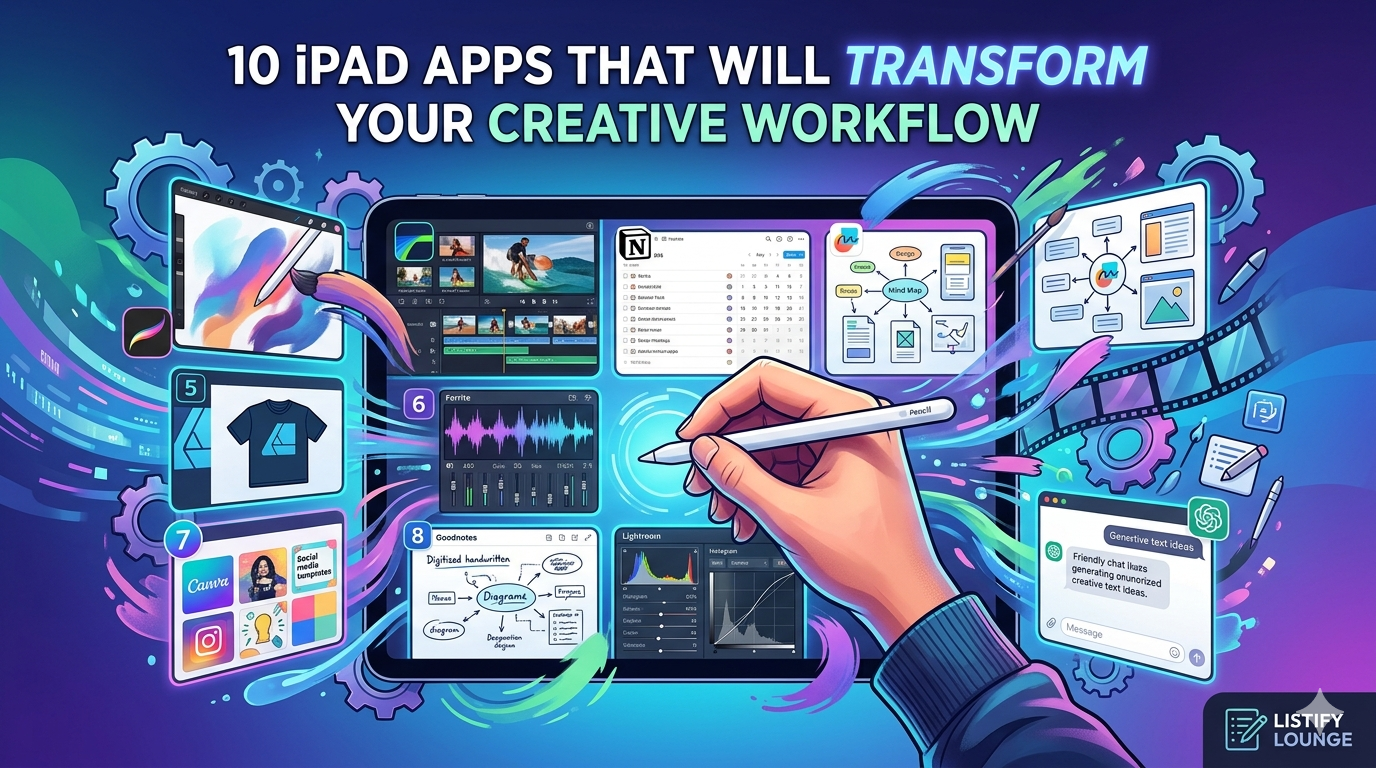
Table of Contents
The iPad has evolved from a simple media consumption device into a powerhouse for digital creators. Whether you are a website owner, a digital illustrator, or a content strategist, the right ecosystem of apps can turn your tablet into a portable studio. Here are 10 essential ipad apps designed to streamline your creative process and boost productivity.
1. Procreate: The Gold Standard among the ipad apps for Digital Art
For anyone focused on digital illustration, Procreate is non-negotiable. Its robust brush engine and intuitive interface make it ideal for everything from quick sketches to complex, print-ready apparel designs.
- Pro Tip: Use the “Reference Companion” window to keep your mood boards visible while you work on your main canvas.
2. Freeform: The Ultimate Infinite Canvas
Apple’s own Freeform app is an underrated tool for project planning. It acts as an infinite whiteboard where you can dump images, links, PDFs, and handwritten notes. It’s the perfect place to map out your blog’s content strategy or brainstorm your next “faceless” video concept.
3. LumaFusion: Professional Video Editing on the Go
If you are producing content for platforms like YouTube or TikTok, LumaFusion offers a multi-track editing experience that rivals desktop software. It handles high-bitrate 4K footage with ease, making it a favorite for creators who need to edit while traveling.
4. Notion: Your Creative Brain’s Operating System
Notion is where organization meets execution. Use it to build a content calendar for Listify Lounge, track your SEO keywords, or manage the technical requirements for your Salesforce projects. Its iPad app is highly responsive, allowing you to move tasks through your pipeline with a simple drag-and-drop.
5. Affinity Designer 2: Vector Illustration Simplified
While Procreate is great for raster art, Affinity Designer is essential for vector work. This is the app you need when designing logos or high-resolution graphics for your Print on Demand business, as it allows for infinite scaling without losing quality.
6. Ferrite Recording Studio: The Podcaster’s Secret Weapon
For those utilizing high-fidelity microphones like the ATR2100x, Ferrite is the best way to edit spoken-word audio. It combines the ease of a voice memo app with the power of a professional DAW, specifically optimized for the iPad’s touch interface.
7. Canva: Rapid Graphic Design
Not every graphic needs to be built from scratch. Canva is perfect for quickly generating social media thumbnails or blog headers. Its vast library of templates can help you maintain a consistent visual brand across all your digital properties.
8. Goodnotes 6: For the Handwritten Workflow
Sometimes, the best ideas come from a pen and paper. Goodnotes turns your iPad into a smart notebook. Its handwriting-to-text conversion is incredibly accurate, making it a great tool for taking quick notes during client meetings or technical training sessions.
9. Lightroom Mobile: Professional Photo Finishing
If you take original photos for your blog, Lightroom Mobile is essential. The “Profiles” and “Presets” allow you to apply a consistent aesthetic to all your images, ensuring your website looks professional and cohesive.
10. ChatGPT / Gemini: The Creative Spark
Using AI apps on the iPad can significantly speed up the “blank page” phase of creation. Use these tools to generate meta descriptions, brainstorm listicle titles, or even debug code snippets for your website’s custom features.